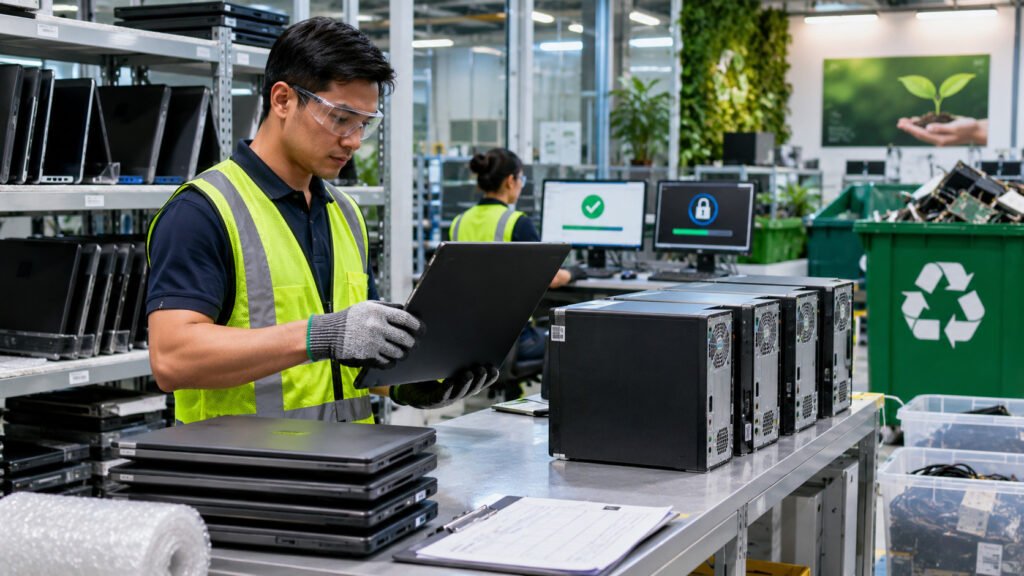
How Do You Plan Device Refreshes Around Actual Equipment Needs?
How often should a company replace office computers? Every three years? Five years? Or only when they stop working?
Many businesses replace computers according to a fixed schedule, even when some devices still perform perfectly well. Others continue using outdated equipment long after it begins affecting productivity, security, and operating costs.
The better approach is to plan computer replacements around actual equipment needs rather than age alone.
A well-planned device refresh strategy helps organizations control IT spending, maintain reliable technology, protect sensitive information, and reduce unnecessary electronic waste.
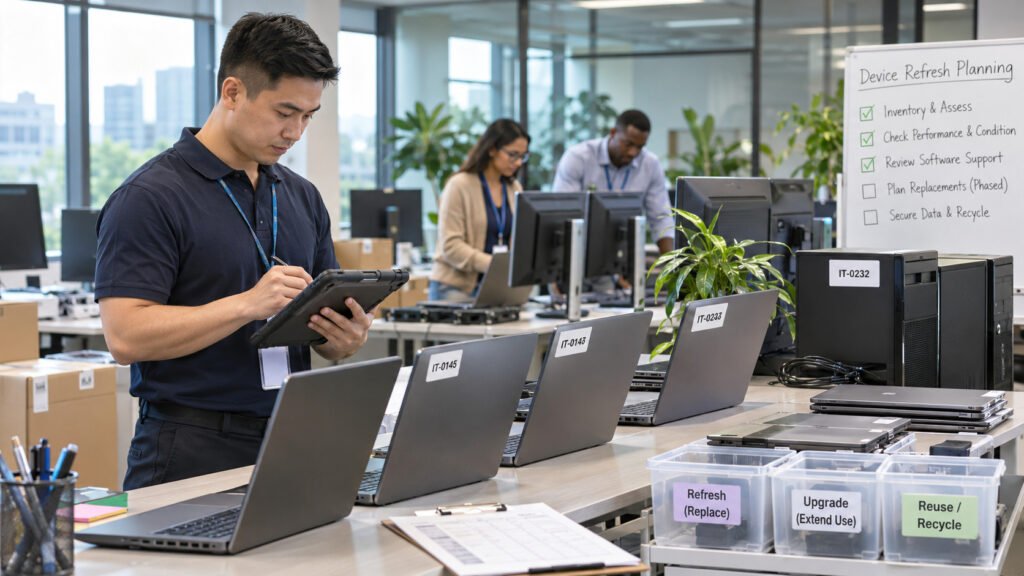
How Often Should a Company Replace Office Computers?
Most businesses can use three to five years as an initial planning benchmark for laptops and desktop computers. However, this is not a universal replacement requirement.
Some computers remain suitable for everyday office work beyond five years, while devices handling demanding applications may need upgrading or replacing sooner.
The right replacement schedule depends on several factors:
- Performance: Can the computer handle its assigned tasks efficiently?
- Security: Does it still receive necessary operating system and security updates?
- Maintenance: Are repairs becoming frequent or expensive?
- Business needs: Have software requirements or employee responsibilities changed?
- Compatibility: Can it support the applications and systems the organization depends on?
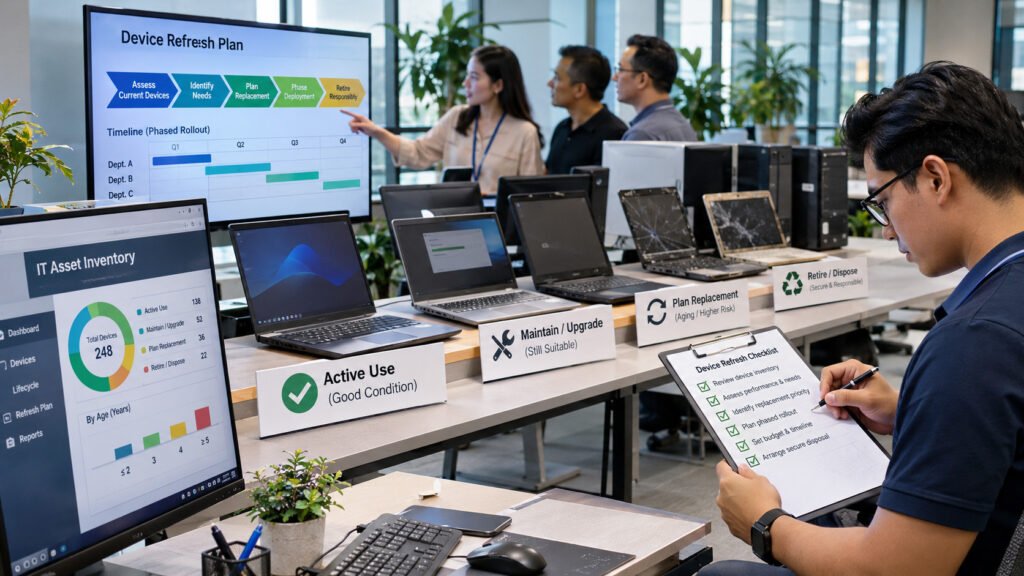
A computer should be evaluated based on how well it supports its intended purpose, not simply how long it has been in use.
1. Assess How Employees Actually Use Their Computers
Not every employee needs the same computer specifications.
An employee handling emails, spreadsheets, and web-based applications may use a computer comfortably for several years. Meanwhile, someone working with engineering software, video production, large datasets, or complex design applications may require more powerful equipment.
Before planning replacements, organizations should identify which devices are essential for demanding workloads and which remain suitable for routine tasks.
This prevents unnecessary spending on high-performance computers where simpler equipment would be sufficient.
2. Recognize When a Computer Actually Needs Replacing
Computer age alone rarely tells the complete story.
Instead, businesses should watch for practical signs that equipment is approaching the end of its useful working life.
Common warning signs include:
- Frequent freezing, crashes, or unusually slow performance.
- Recurring hardware failures and rising repair costs.
- Unsupported operating systems or software.
- Difficulty running essential business applications.
- Battery deterioration, overheating, or unreliable components.
- Increased downtime affecting employee productivity.
Security deserves particular attention. For example, Microsoft ended standard Windows 10 support on October 14, 2025. Organizations still using affected systems need to evaluate supported upgrades, applicable extended-security options, or hardware replacement.
However, a slow computer does not automatically need replacing. Sometimes, upgrading memory, replacing storage, or addressing software problems can extend its useful life.
3. Build a Device Refresh Schedule Based on Equipment Condition
Rather than replacing every office computer at once, businesses can create a flexible technology refresh schedule.
| Equipment condition | Recommended action |
|---|---|
| Working efficiently and securely | Continue using |
| Slower but upgradeable | Consider repairs or upgrades |
| Increasing maintenance costs | Evaluate replacement |
| Unsupported or incompatible | Prioritize upgrading or replacement |
| Beyond practical repair or no longer required | Retire responsibly |
Reviewing IT equipment at least once a year helps businesses identify upcoming replacement needs before failures disrupt operations.
High-risk or business-critical systems may require more frequent assessments.
A gradual replacement schedule also spreads costs across financial periods and reduces operational interruptions.
4. Plan Device Refreshes Around Business Priorities
An effective office computer replacement plan begins with an accurate understanding of existing equipment.
Organizations should maintain an IT asset inventory showing the device type, purchase date, assigned department, specifications, condition, warranty, and software support status.
From there, the process becomes easier:
- Assess existing assets: Identify which computers remain useful, which need upgrades, and which should be retired.
- Prioritize critical devices: Replace equipment that creates security risks or repeatedly interrupts important operations.
- Set a realistic budget: Consider purchase, deployment, maintenance, support, and eventual retirement costs.
- Schedule replacements in phases: Avoid unnecessary disruption by refreshing devices department by department.
- Plan for retired equipment: Decide how old devices will be securely handled, reused where authorized, or recycled.
This approach forms part of effective IT asset management and disposal planning, which considers equipment throughout its operational lifecycle.
5. Don’t Forget What Happens to Replaced Computers
Planning a device refresh should not end when new computers arrive.
Retired computers may still contain confidential business records, employee information, customer data, and other sensitive files.
Before equipment leaves an organization’s control, its data must be handled according to an appropriate security policy.
The NIST SP 800-88 Rev. 2 Guidelines for Media Sanitization provide guidance for selecting and implementing suitable data sanitization processes.
Depending on the organization’s requirements, retired equipment may undergo verified data wiping, physical destruction of storage media, authorized reuse, or responsible recycling.
Companies can explore secure data destruction services and responsible computer recycling to better understand these options.
6. Balance Technology Upgrades With Environmental Responsibility
Replacing office computers unnecessarily contributes to growing demand for electronic equipment and can increase electronic waste.
According to the Global E-waste Monitor 2024, the world generated approximately 62 million tonnes of electronic waste in 2022, with only 22.3% documented as formally collected and recycled.
Extending the useful life of suitable computers through maintenance, upgrades, and responsible reuse can help reduce unnecessary equipment turnover.
When devices can no longer meet operational requirements, environmentally responsible recycling allows recoverable materials such as metals and plastics to be directed toward appropriate recovery processes.
The goal is not to keep every computer indefinitely. It is to make informed replacement decisions that balance business performance, data security, cost, and environmental responsibility.
Frequently Asked Questions
Is five years too old for an office computer?
Not necessarily. A five-year-old computer may still perform routine office tasks effectively if its hardware is reliable, its software remains supported, and it meets the organization’s security requirements.
Should companies replace all computers at the same time?
Usually not. Phased replacements allow organizations to prioritize critical equipment, manage budgets, and avoid unnecessary waste. However, organization-wide upgrades may be necessary when widespread security or compatibility issues arise.
What should companies do with computers after replacing them?
Retired computers should be inventoried, assessed for any approved reuse, and subjected to appropriate data sanitization or destruction. Equipment designated for recycling should be transferred to a responsible electronics recycling provider with suitable documentation.
Final Thoughts
The best time to replace an office computer is when it no longer meets the organization’s operational, security, or economic requirements—not simply when it reaches a certain age.
By reviewing equipment regularly, upgrading devices where practical, and planning responsible retirement, businesses can improve productivity while controlling costs and reducing unnecessary electronic waste.
At Nalabix Eco, we support organizations with responsible IT asset disposal, secure data destruction, and electronic waste recycling as part of their equipment retirement processes.
For inquiries about retiring office computers and other IT equipment, visit Nalabix Eco or contact info@nalabix.com.