
Your old smartphone may no longer be useful to you, but it could still contain valuable personal information. Photos, messages, passwords, banking applications, and saved accounts can remain accessible if the device is not properly prepared.
Whether you plan to sell, donate, give away, or recycle an old phone, taking a few precautions can protect your privacy and help ensure the device is handled responsibly.
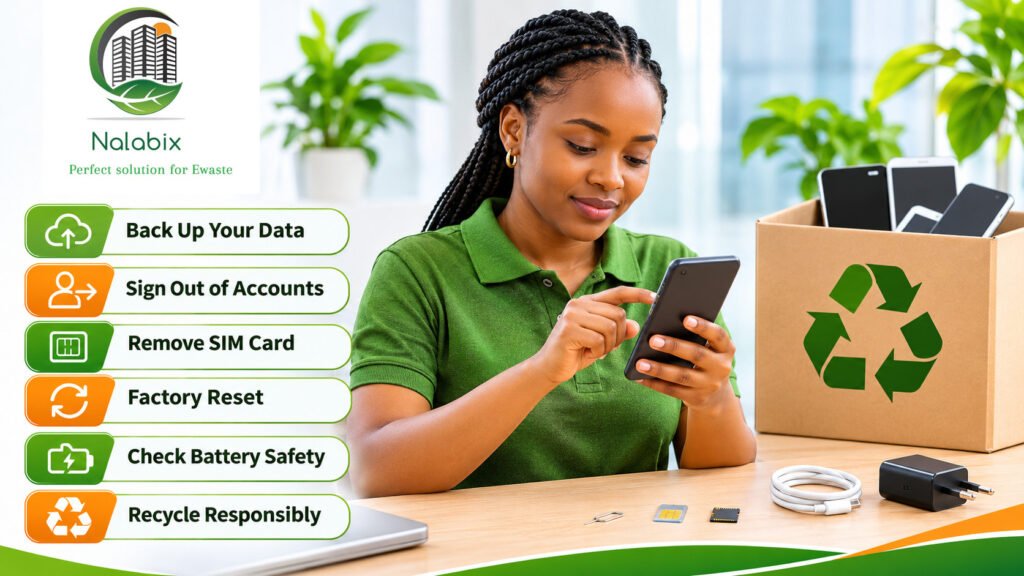
Before handing over an old phone, back up your data, transfer important accounts, sign out of linked services, remove SIM and memory cards, perform a factory reset, and check that the device is ready for its next owner or safe recycling.
1. Back Up Your Important Data
Before erasing anything, make sure you have saved the information you want to keep.
This may include contacts, photographs, videos, messages, documents, and application data.
You can back up your information using iCloud, Google Drive, a computer, or another trusted backup service.
Important: Confirm that your files have successfully transferred to your new device before resetting the old one. Some applications, particularly messaging and authentication apps, require separate backup or transfer procedures.
2. Check Your Accounts and Digital Security
Smartphones are connected to numerous online services, including email, social media, banking applications, and cloud storage.
Before handing over your device:
- Transfer banking apps, authenticator apps, and other essential services to your new phone.
- Sign out of personal, work, and manufacturer accounts as appropriate.
- Remove linked devices and disable ownership locks using the manufacturer’s instructions.
- Transfer your phone number and update accounts that depend on it.
For Android devices, Google recommends removing Google accounts before performing a factory reset.
For iPhones, Apple’s official erasure process also removes Find My and Activation Lock when completed correctly.
Follow the manufacturer’s instructions:
Apple: What to Do Before Selling or Giving Away an iPhone
Google: Reset Your Old Android Device
3. Remove Your SIM Card and Memory Card
A physical SIM card connects your phone to your mobile network, while a removable memory card may contain photos, documents, and other files.
Remove both before transferring ownership unless you have specifically arranged otherwise.
If your phone uses an eSIM, transfer or deactivate your mobile plan and erase the old eSIM profile as appropriate.
The US Federal Trade Commission (FTC) also recommends removing SIM and SD cards before disposing of a mobile phone.
4. Perform a Factory Reset
Deleting photographs, messages, or applications individually is not the same as securely preparing a phone for another user.
A factory reset is the recommended way to erase personal information from a functioning modern smartphone.
For iPhone: Go to Settings → General → Transfer or Reset iPhone → Erase All Content and Settings.
For Android: Open Settings and locate the factory reset option. On many Android devices, this is under System → Reset options → Erase all data.
Exact menu names may vary depending on the manufacturer and software version.
After resetting, confirm that the phone displays its initial welcome or setup screen and is no longer linked to your accounts.
For a phone that cannot be powered on or reset, do not assume its information has been erased. Seek advice from a qualified data destruction or electronics recycling provider.
Learn more about secure data destruction and responsible handling of data-bearing electronics.
5. Check the Phone’s Physical Condition
Before deciding whether to reuse or recycle your phone, examine its physical condition.
A smartphone with a working screen, functional battery, and usable software may still be suitable for continued use.
However, a phone with serious damage or an unsafe battery may require specialized handling.
Watch for swollen batteries, excessive heat, leakage, or visible damage. Do not puncture, crush, or attempt to remove a damaged built-in battery yourself.
The US Environmental Protection Agency (EPA) advises against placing lithium-ion batteries or devices containing them in ordinary household waste or mixed recycling bins.
6. Decide Whether to Reuse, Donate, or Recycle
Not every old phone needs to become electronic waste immediately.
If the device still works safely and receives appropriate security support, extending its useful life through reuse or donation may be worthwhile.
If it is broken beyond practical repair, obsolete, or no longer suitable for use, responsible recycling is generally a better option than leaving it in storage indefinitely or throwing it away.
Mobile phones contain recoverable materials, including copper, gold, aluminium, and other metals. Appropriate recycling helps return some of these materials to productive use.
Read more about what qualifies as electronic waste and how electronics recycling works.
7. Choose a Responsible Recycling Provider
If you decide to recycle the phone, choose an electronics recycling provider that follows applicable environmental and data protection requirements.
Ask how devices are collected, how remaining information is handled, and what happens to batteries and other components.
For business-owned devices, additional procedures such as asset inventory, authorization, secure data handling, and documented disposal may be necessary.
Nalabix Eco provides phone and tablet disposal services and electronic waste collection and recycling solutions. Contact the team to confirm service availability and appropriate handling arrangements for your location.
Frequently Asked Questions
Is a factory reset enough before selling an old phone?
For a functioning modern smartphone, the manufacturer’s recommended factory reset is generally the appropriate method for removing personal data. First, transfer your information and follow the required account and ownership-lock removal steps.
Can someone access my photos after I give away my phone?
There is a privacy risk if your information has not been properly erased. Use the manufacturer’s full device-erasure procedure rather than simply deleting individual photos or applications.
What if my old phone does not turn on?
Avoid handing over an unreset device for reuse. Contact a qualified electronics recycling or data destruction provider to discuss secure handling options.